An Update on the Lock Icon
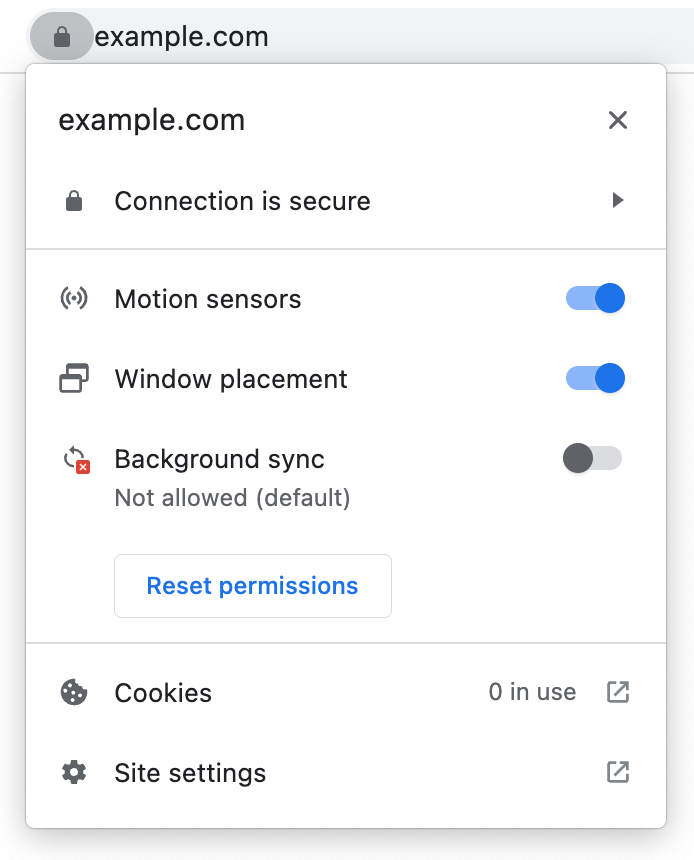
When shown Chrome UI in research studies, users would look at the padlock to evaluate the trustworthiness of a hypothetical ecommerce site. We showed the site controls to experiment participants. The overlaid heat-maps represent the click patterns of respondents who were asked to indicate any information which was perceived helpful in the scenario.
The lock icon is currently a helpful entry point into site controls in Chrome. In 2021, we shared that we were experimenting with 
Same page controls, new icon. The lock continues to exist as a precisely scoped entry point to connection security information, but with a new top-level access point.
We’ll be replacing the lock icon on Android at the same time as the broader desktop change. On iOS, the lock icon is not tappable, so we will be removing it entirely. On all platforms, we will continue to mark plaintext HTTP as insecure.
As HTTPS has become the norm, replacing the lock icon has long been a goal both of Chrome and the broader security community. We’re excited that HTTPS adoption has grown so much over the years, and that we’re finally able to safely take this step, and continue to move towards a web that is secure-by-default.
- By David Adrian, Serena Chen, Joe DeBlasio, Emily Stark, and Emanuel von Zezschwitz, and the rest of Chrome Trusty Transport from the Chrome Security team